ติดตั้ง — ก่อนติดตั้ง
ซื้อแพ็กก่อน คุณจะได้ไลเซนส์ทางอีเมล
Close other tools that hook the game. They can block the loader.
Keep your order email ready if Windows asks during first launch.
- PC Windows 10 / 11
- ปิด overlay ที่ชนกัน
- เตรียมอีเมลคำสั่งซื้อ
ติดตั้ง — ขั้นตอนติดตั้ง
รัน loader แบบแอดมิน วางไลเซนส์ แล้วเปิด {game}
First launch may take longer while Windows scans the file.
- ดาวน์โหลด loader จากอีเมลส่งมอบ
- วางคีย์ไลเซนส์
- เปิดเกม
ติดตั้ง — หากมีปัญหา
ตรวจสถานะหลังแพตช์ อีเมล {email} พร้อมรหัสคำสั่งซื้อ
Add your Windows version and any error text so we can reply faster.
ติดตั้ง — First run after setup
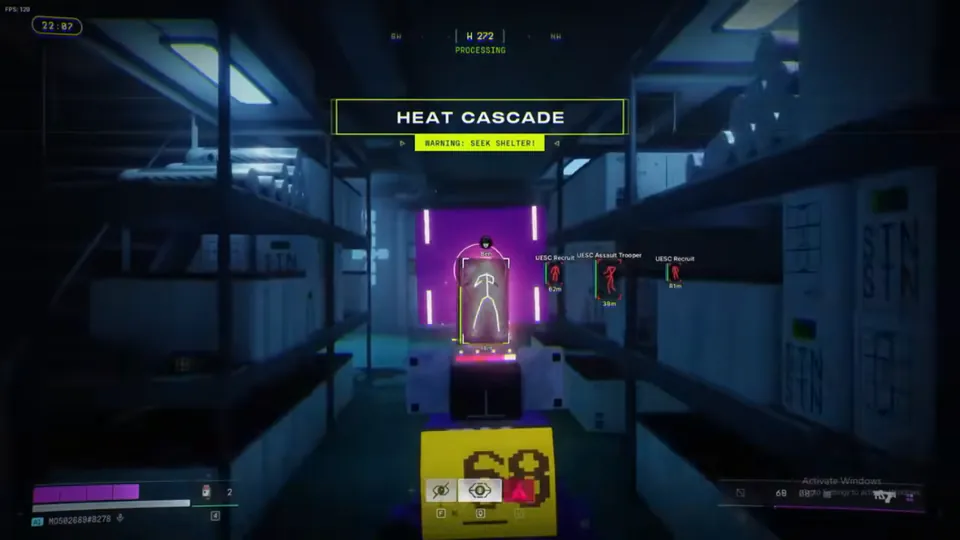
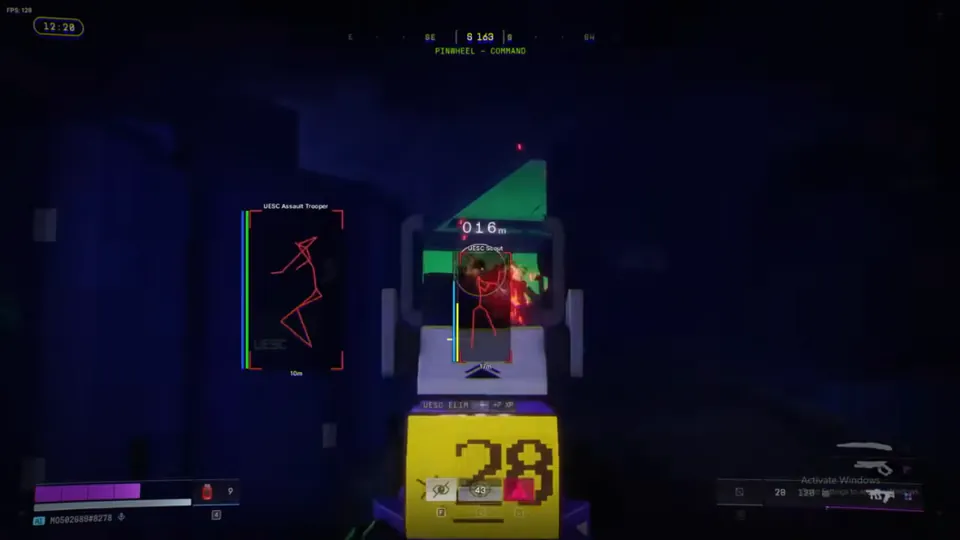
Tune ESP filters and soft aim before your first serious run.
Bookmark Status and FAQ for delivery, refund, and patch-day questions.
ติดตั้ง — Stay current after setup
Check Status after every major Marathon or BattlEye patch before you launch.
Email support@marathoncheats.org if the loader fails after a rebuild note posts.
คู่มือและแหล่งข้อมูลเกมอย่างเป็นทางการ
เราลิงก์ไปแหล่งที่เชื่อถือได้ เพื่อให้คุณตรวจสอบ patch notes, สถิติ runner และข้อมูลแผนที่นอกเว็บไซต์เรา